
Watch it before you install it.
Four recordings, each under twenty seconds, on a made-up product with made-up sellers. The panel is drawn with the extension's own styles, so it looks just like it does in your browser.
Click AmzCompanion in the buy box and watch the offers fill in
Every view in the panel.
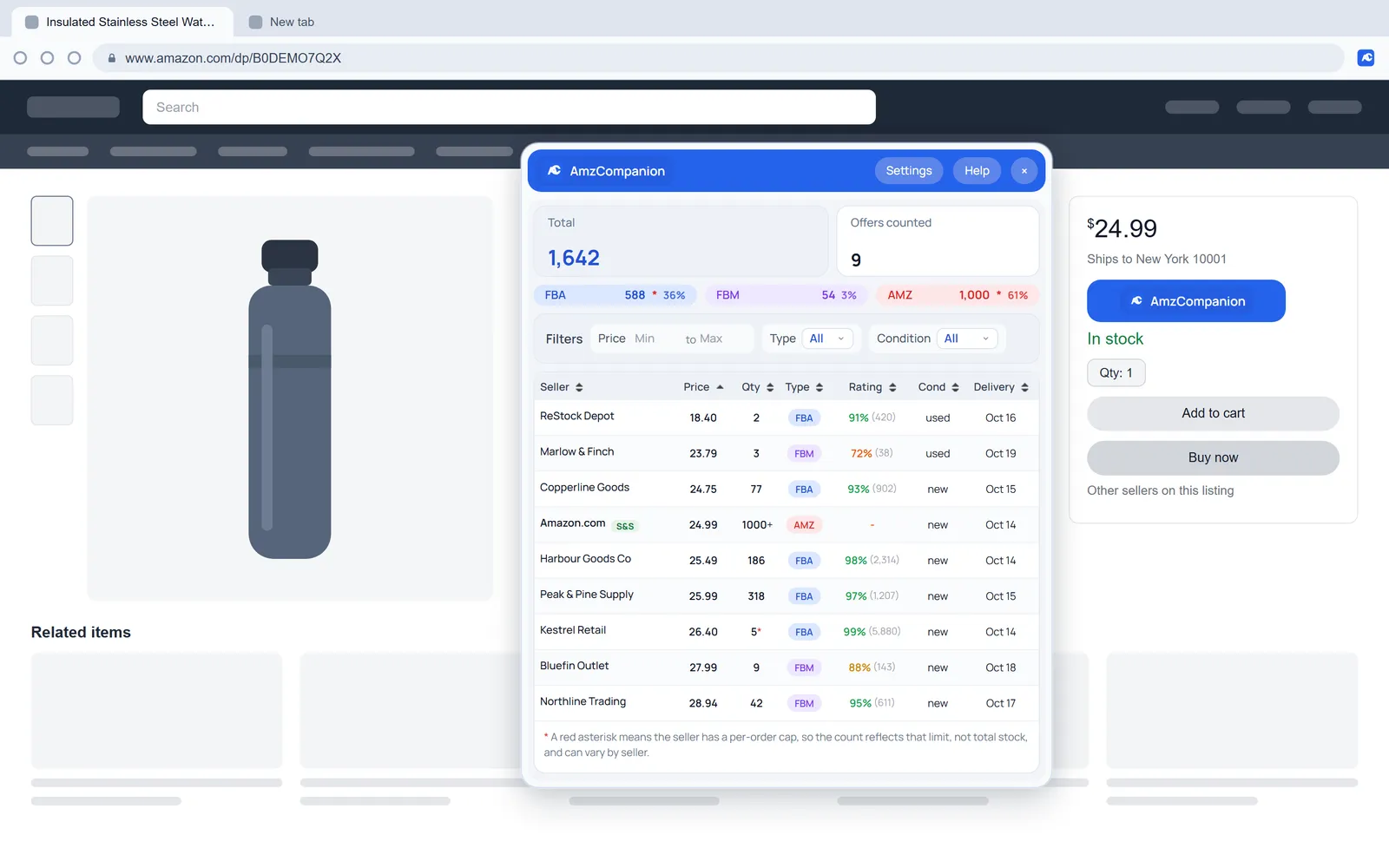
Results
Every offer on the listing with totals and the channel split.
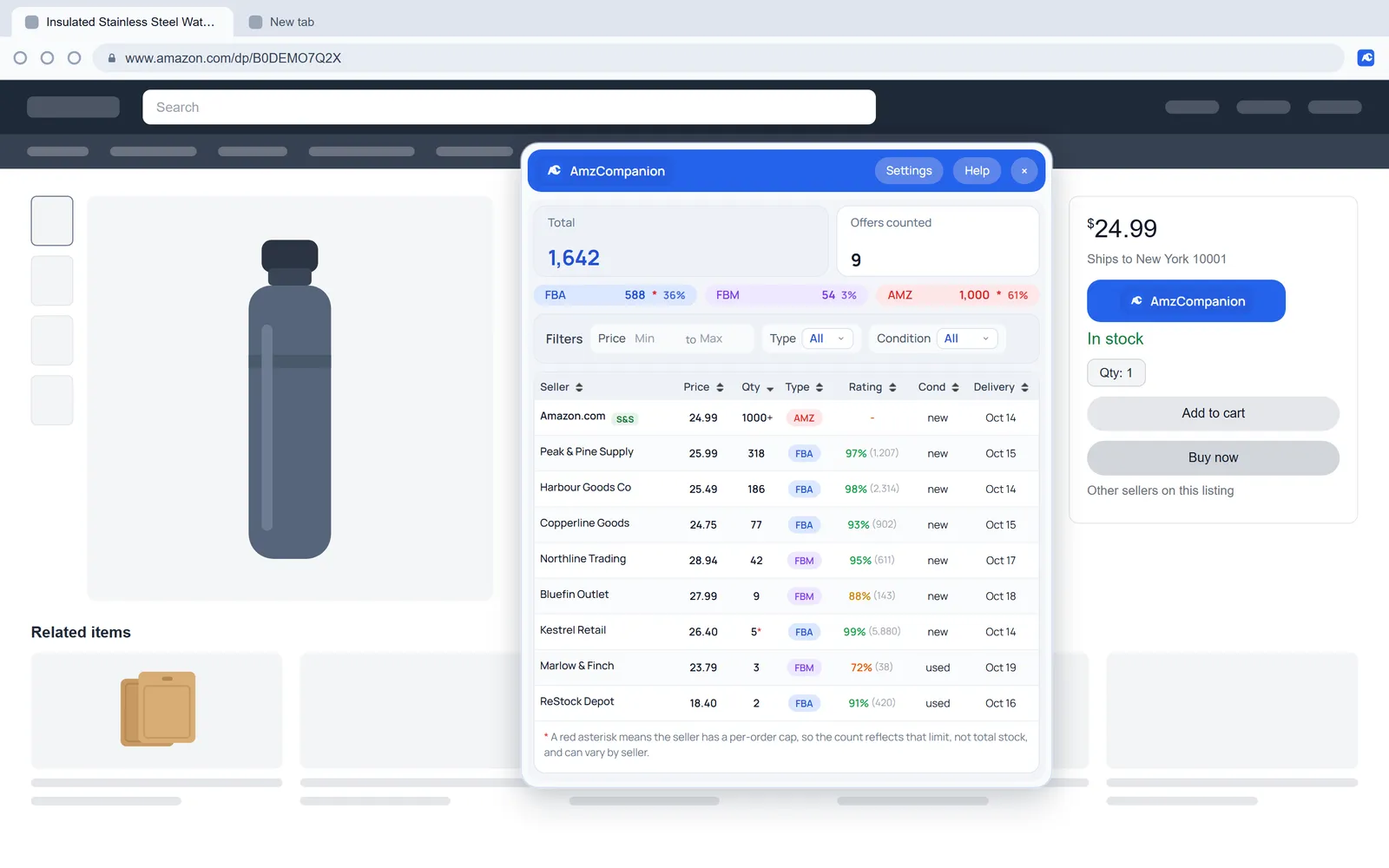
Sorted by quantity
The biggest holders first, with capped counts marked.
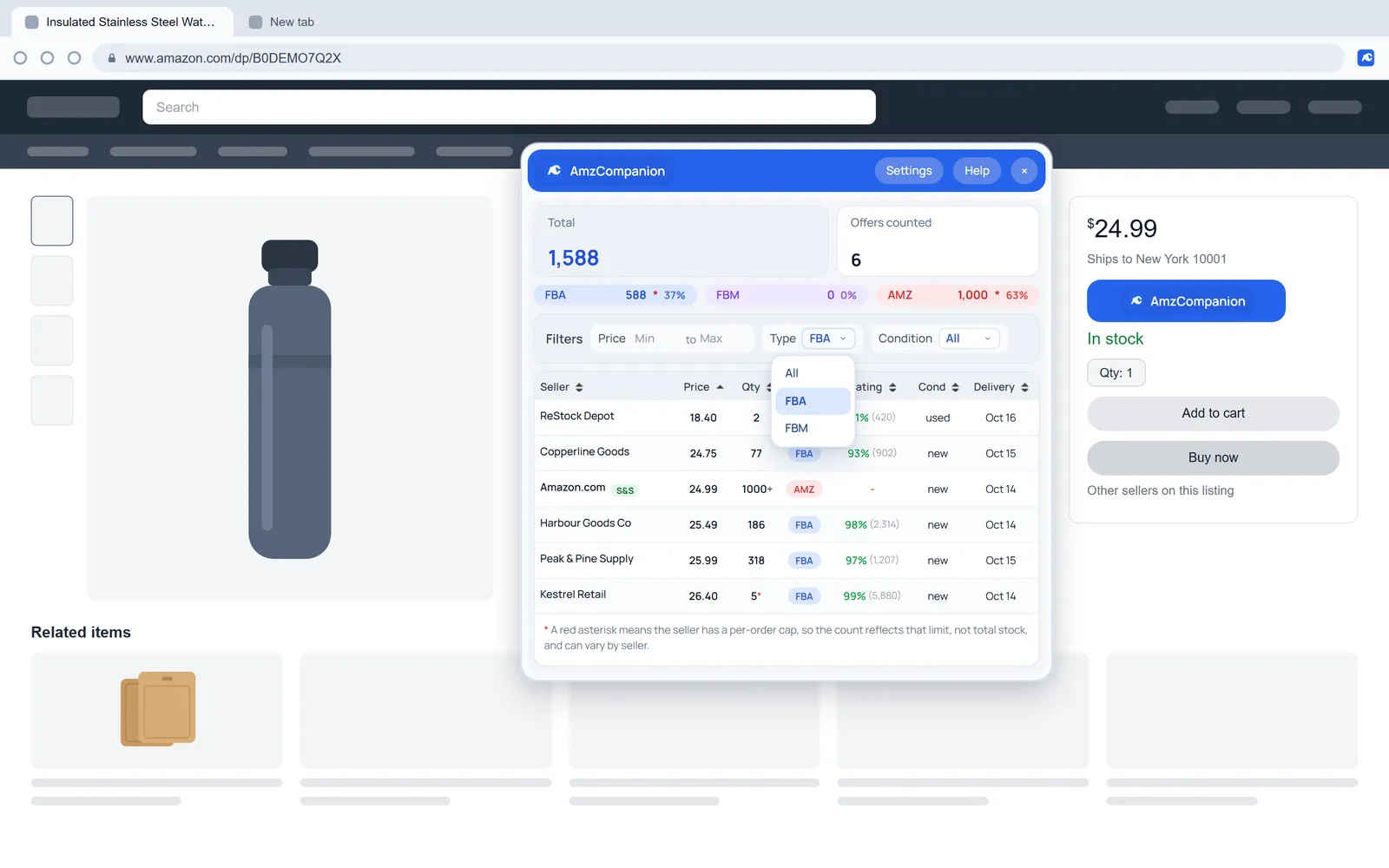
Type filter
FBA keeps Amazon's own offer in.
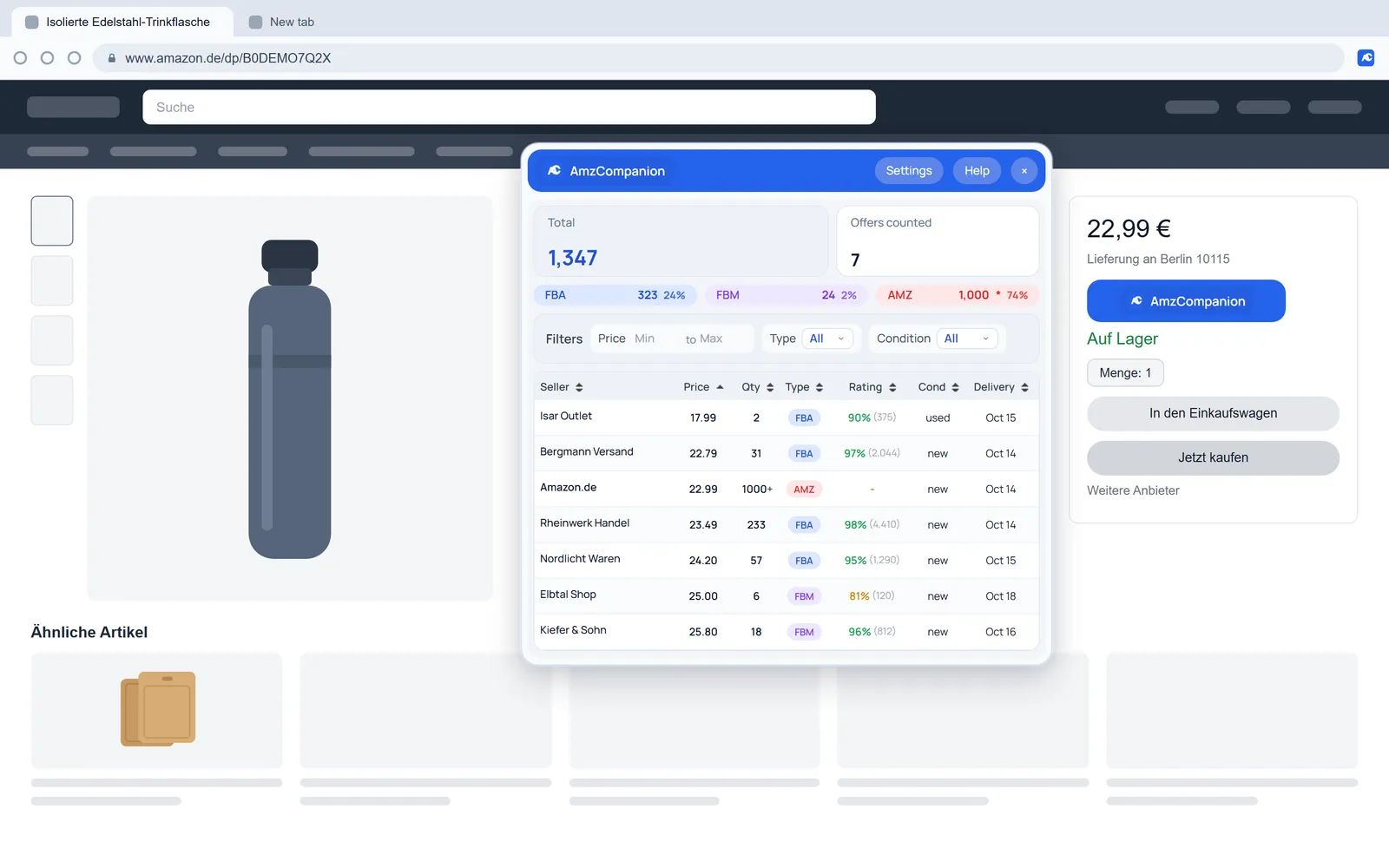
amazon.de
Same panel on another storefront.
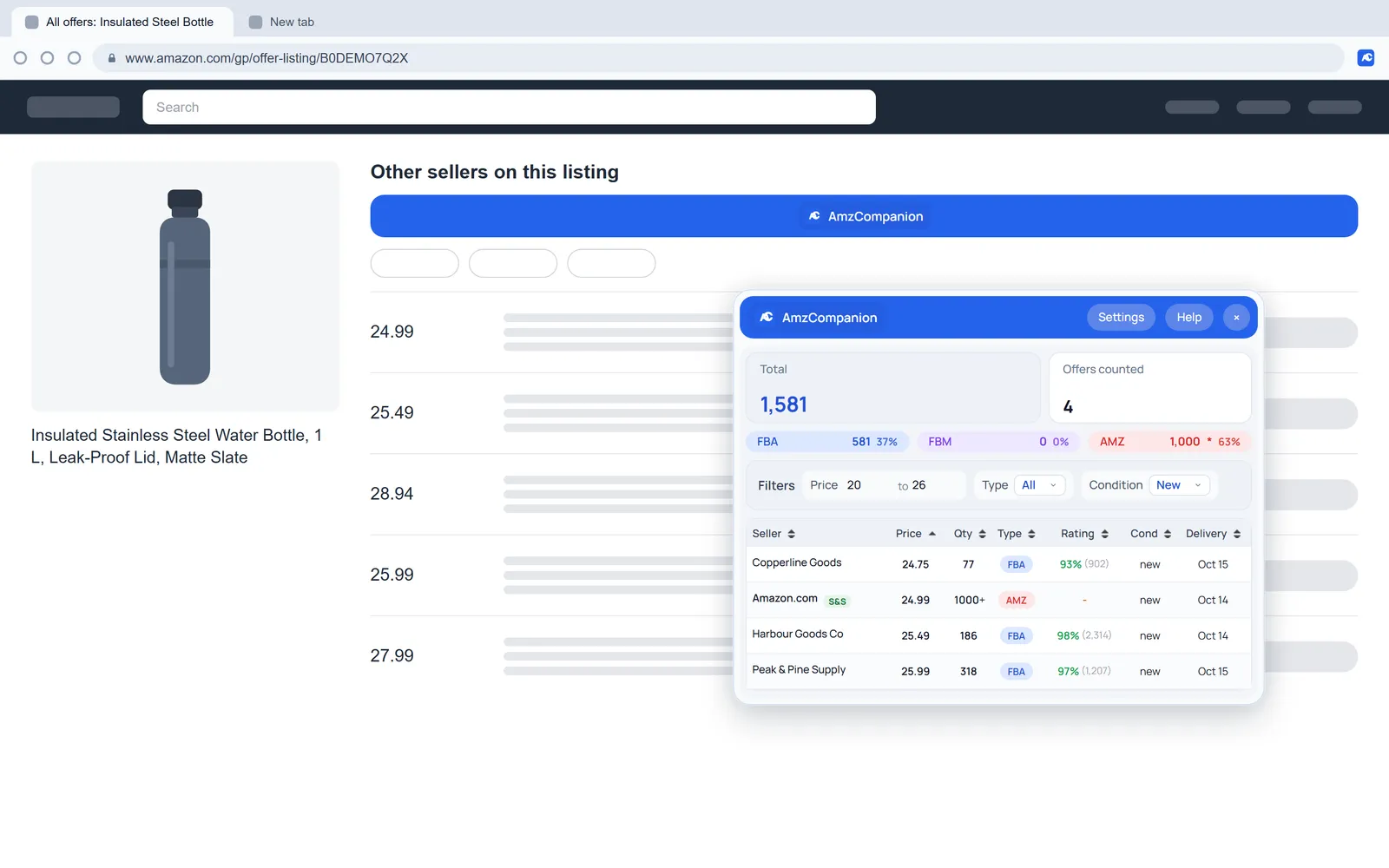
All-offers page
The button sits full width above the list.
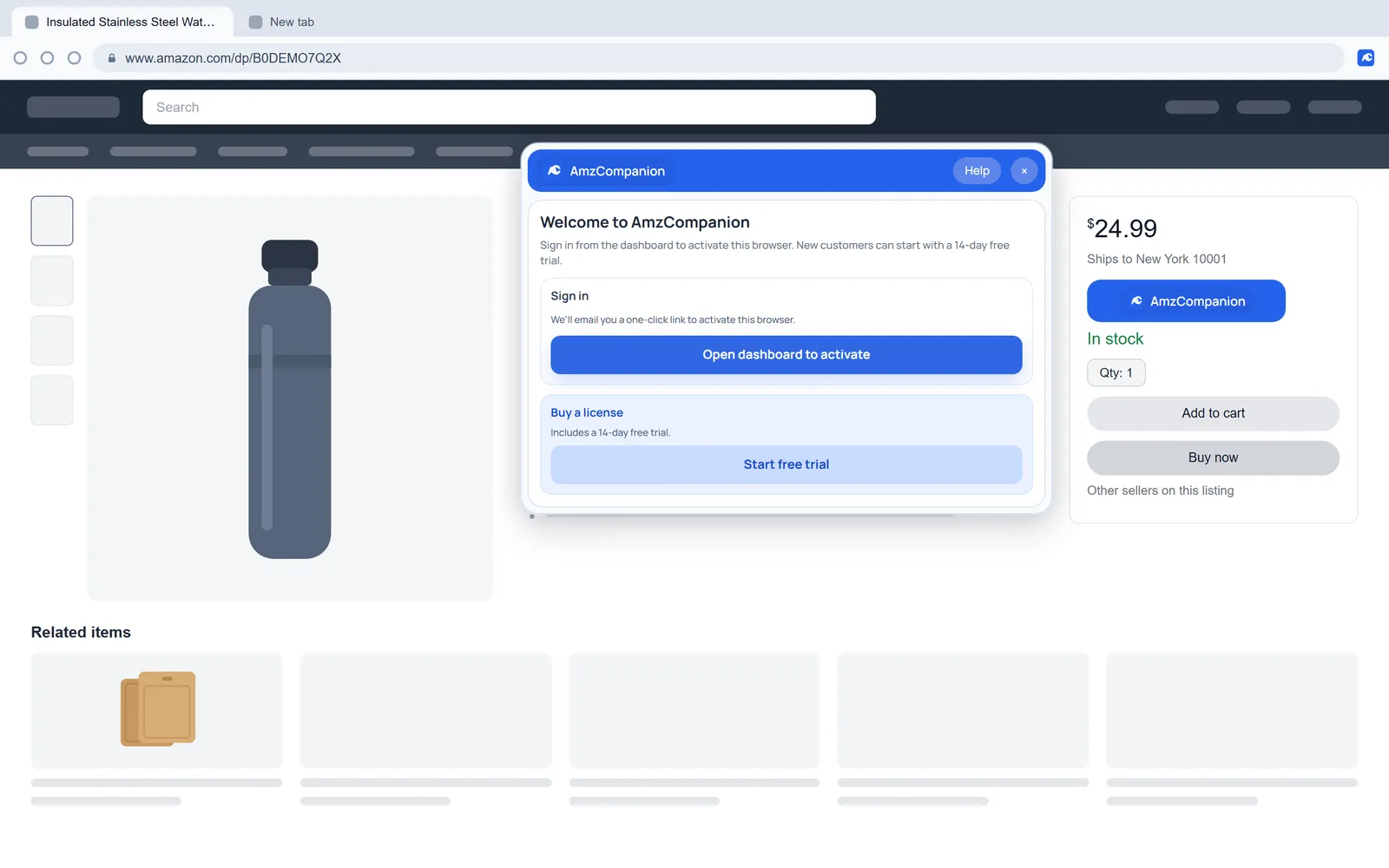
Activate
What you see before you sign in. One email link activates the browser.
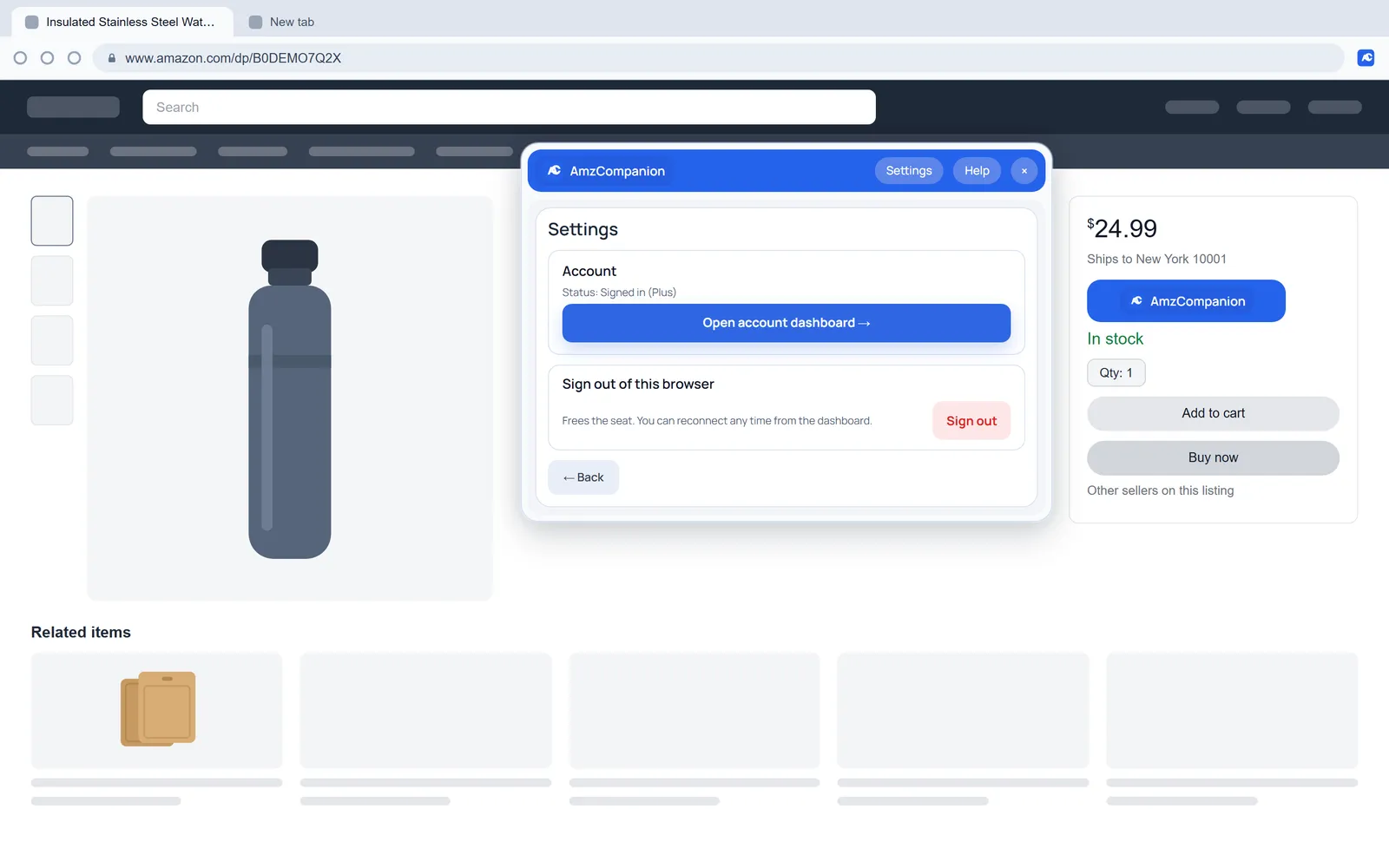
Settings
Your plan, the dashboard link and sign out.
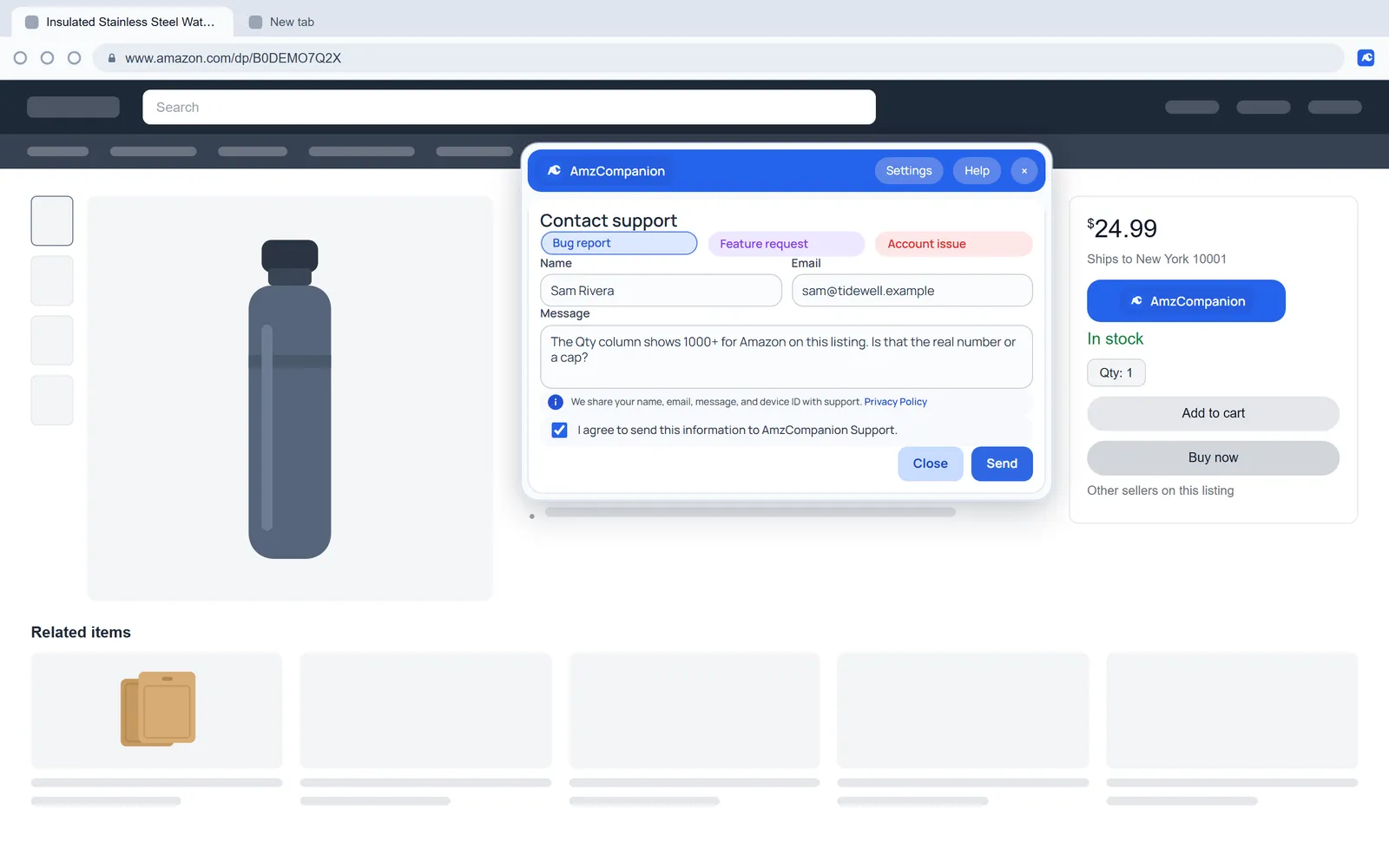
Contact support
Send a bug report or an account question from the panel.
See who holds the stock on your next listing.
Add AmzCompanion and activate it with the link we email you. You get 14 days with every feature, and you won't need a card.

Plans from $12 a month after the trial. Cancel any time.